AI Naruto OC Maker
Try the Naruto OC Maker
Free. No limits. ·
Make your own Naruto OC in a few seconds. Pick a village, a headband symbol, a vest or robes, and a chakra colour. Type it and see it.
Made on GenTube
1
Free. No limits. ·
Make your own Naruto OC in a few seconds. Pick a village, a headband symbol, a vest or robes, and a chakra colour. Type it and see it.
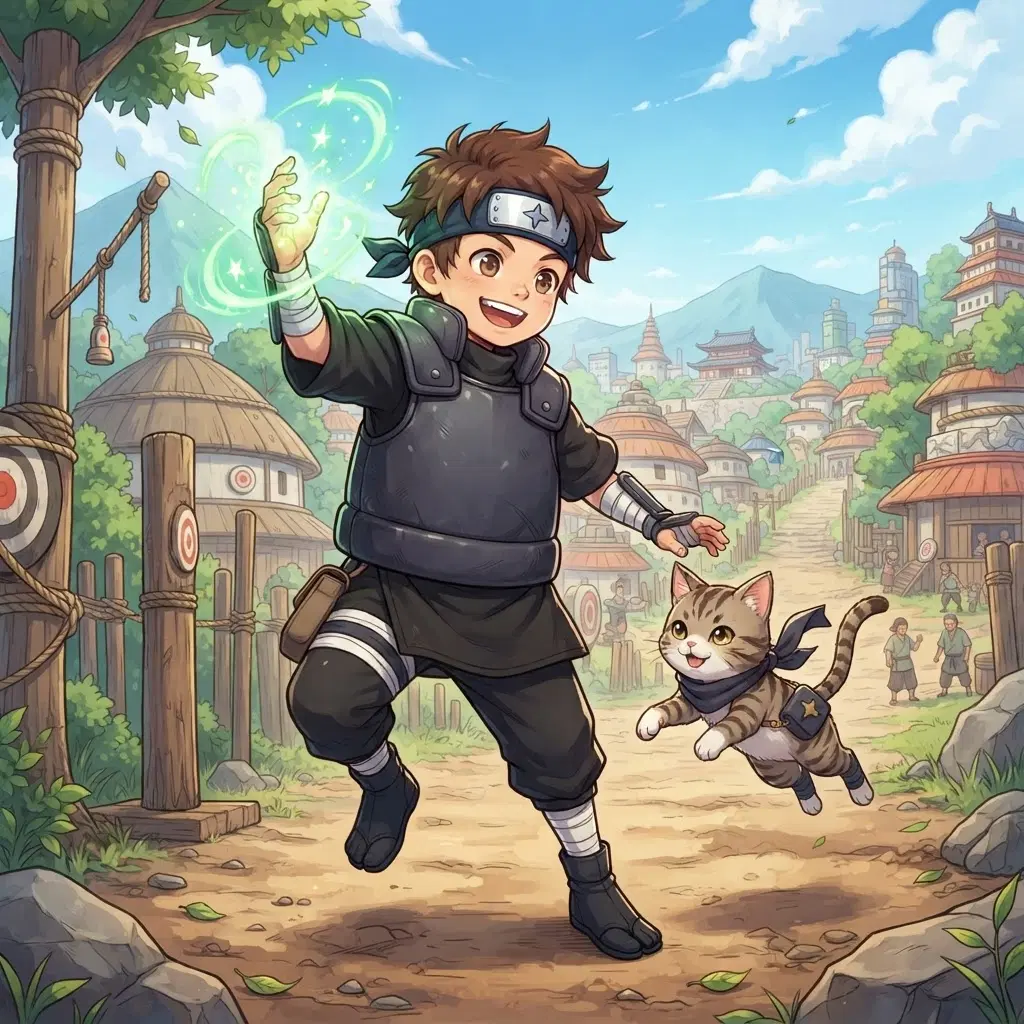
Describe your Naruto OC once. After that it is the same character every time.
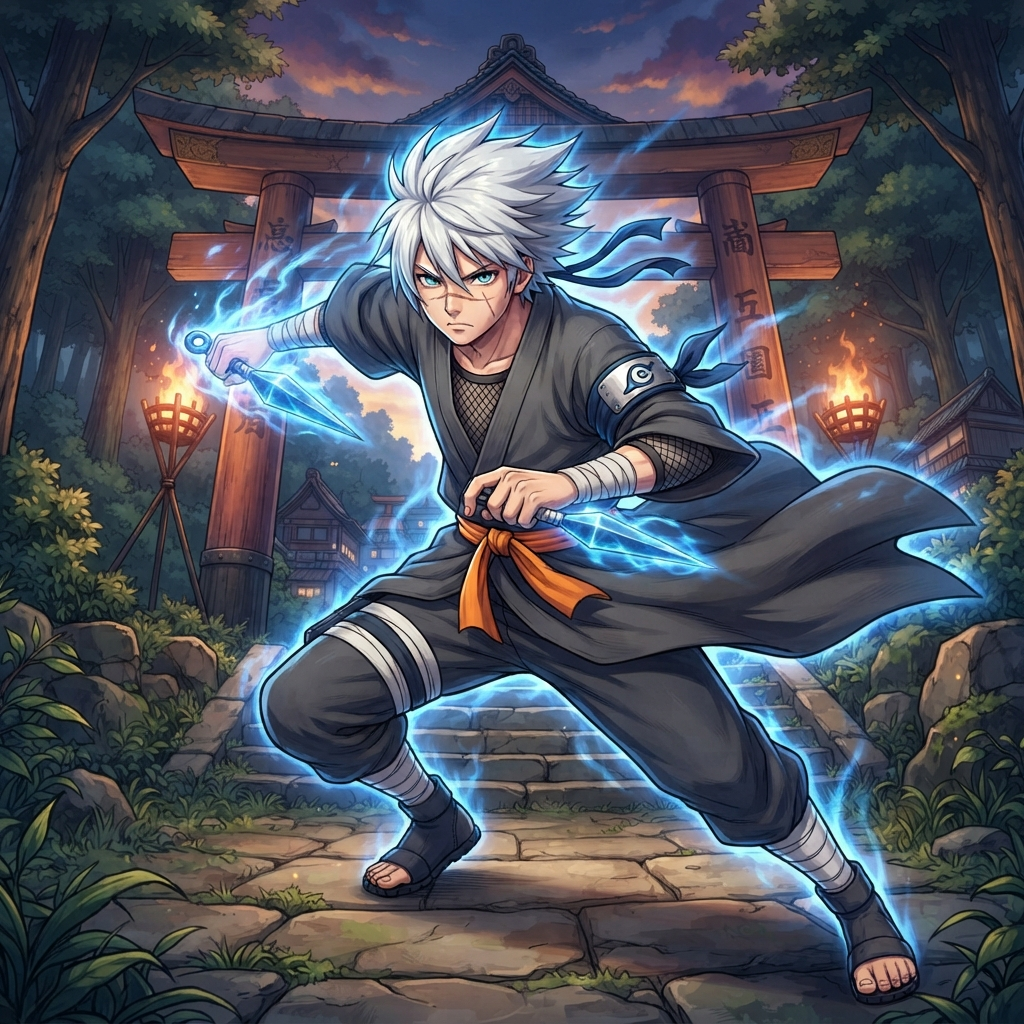
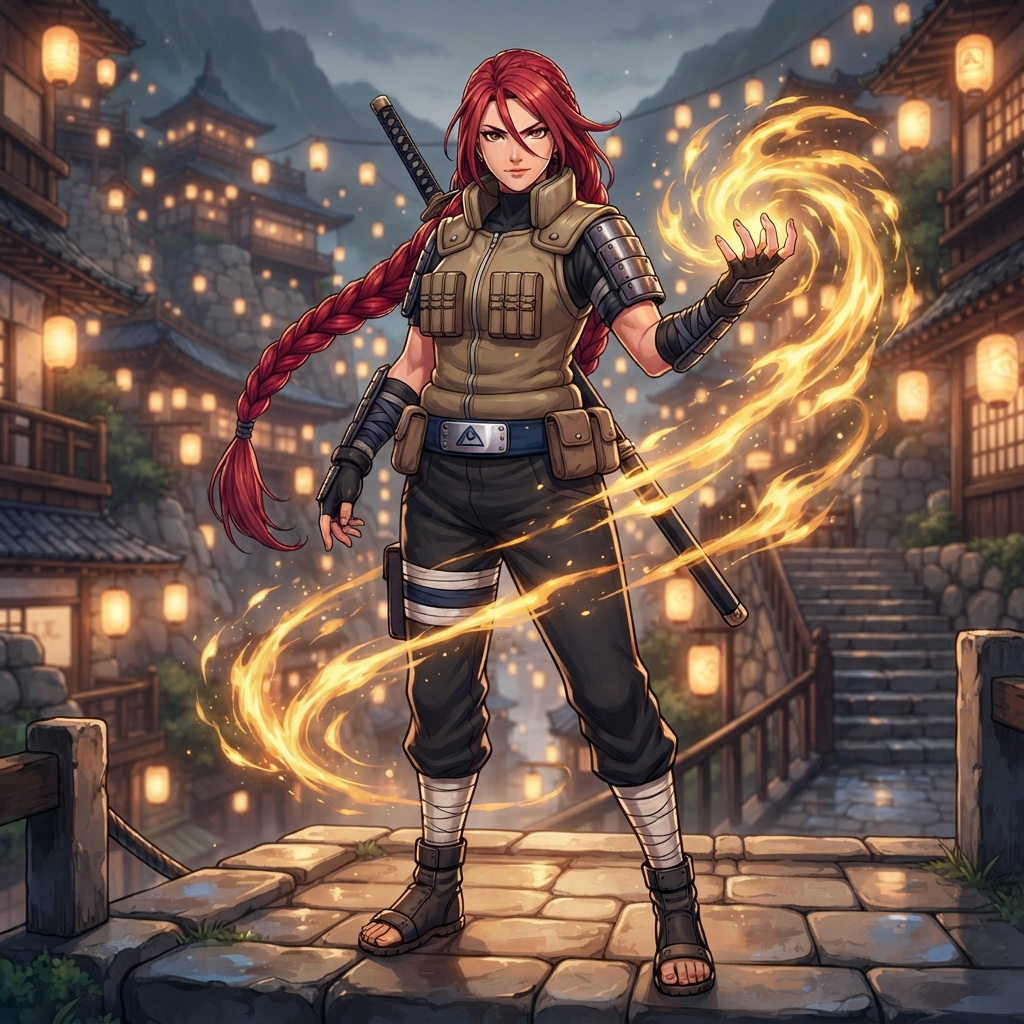
Post your Naruto OC. Other people can draw them too and send them back. Or keep them to yourself.
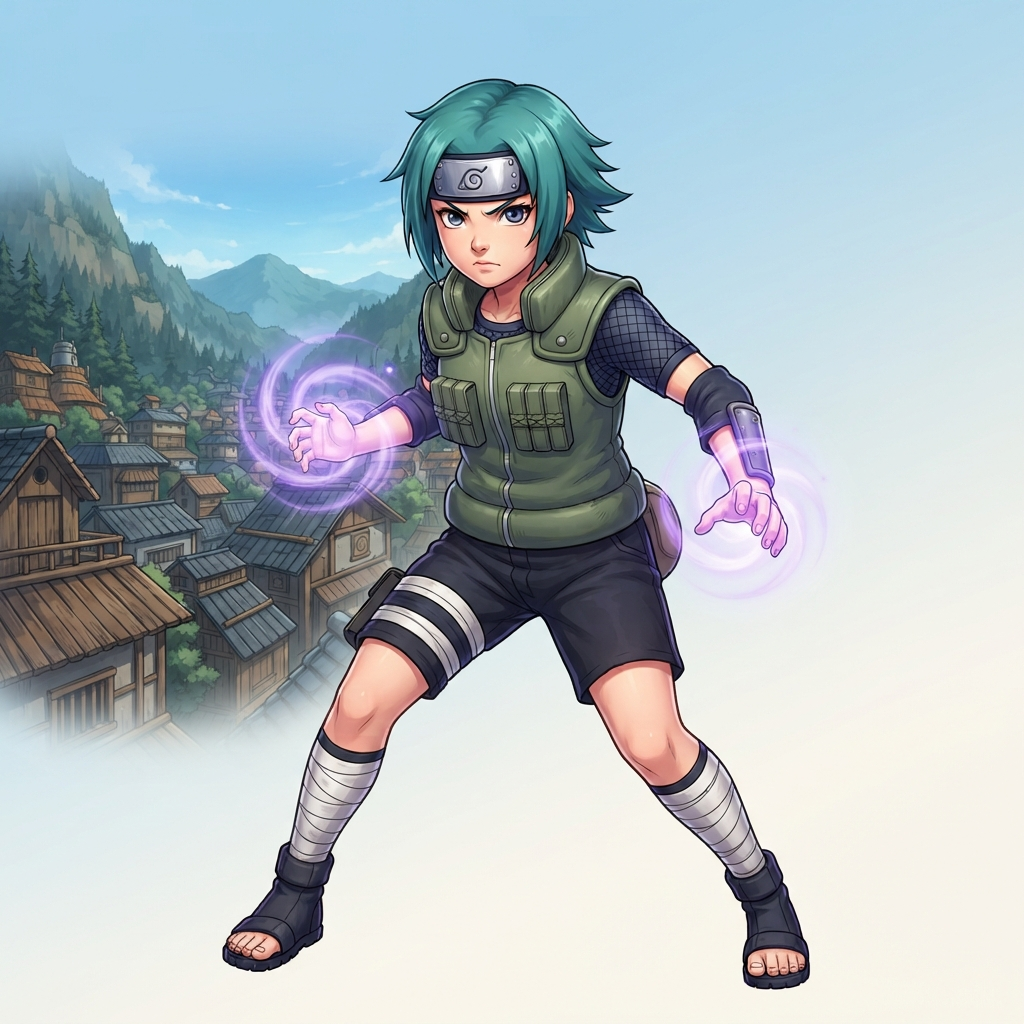
Tap an outfit and they put it on. Same face, same hair, same character.
Where they are from, who they lost, what they want. A story about your Naruto OC, not someone who just looks like them.
Happy, angry, sleepy, shy. The same character, every mood.
A rooftop at night, a classroom, outer space. They still look like themselves.
New characters every day. Follow the people making them.


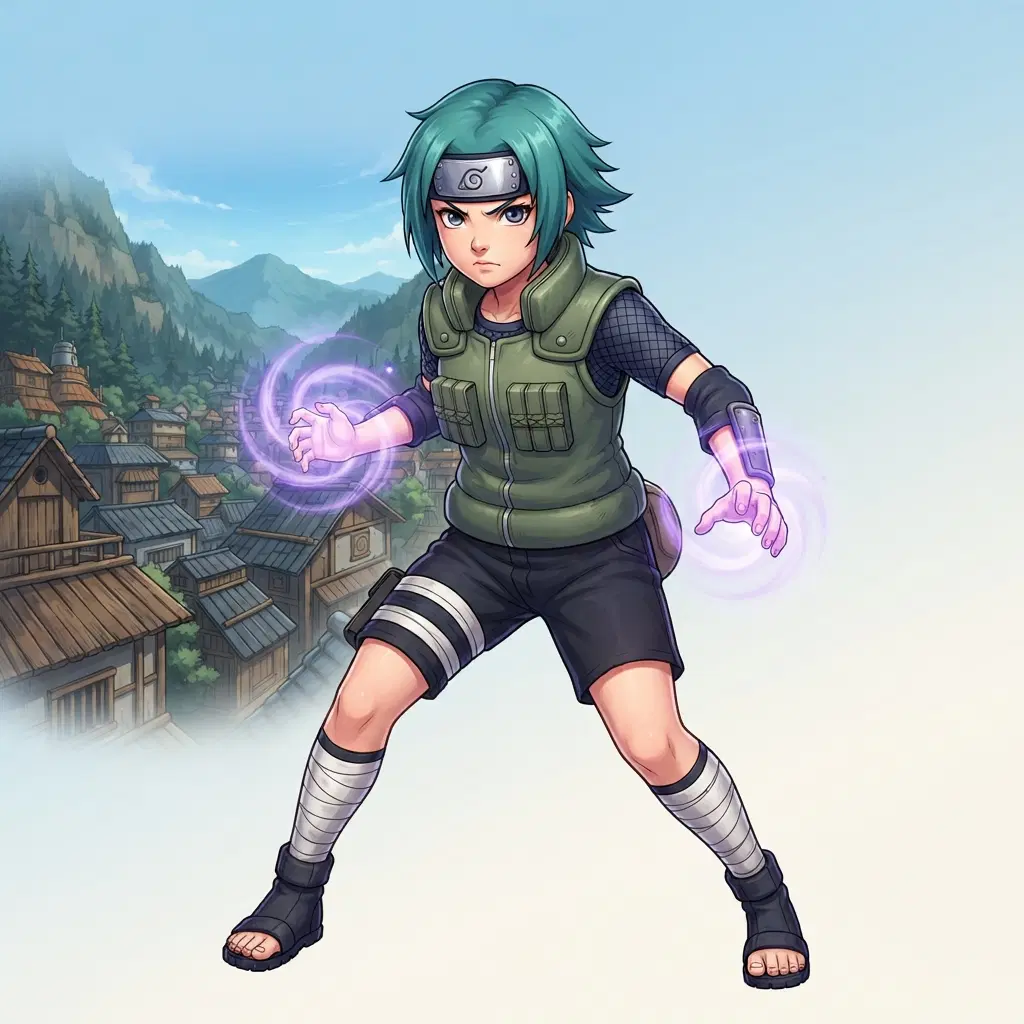
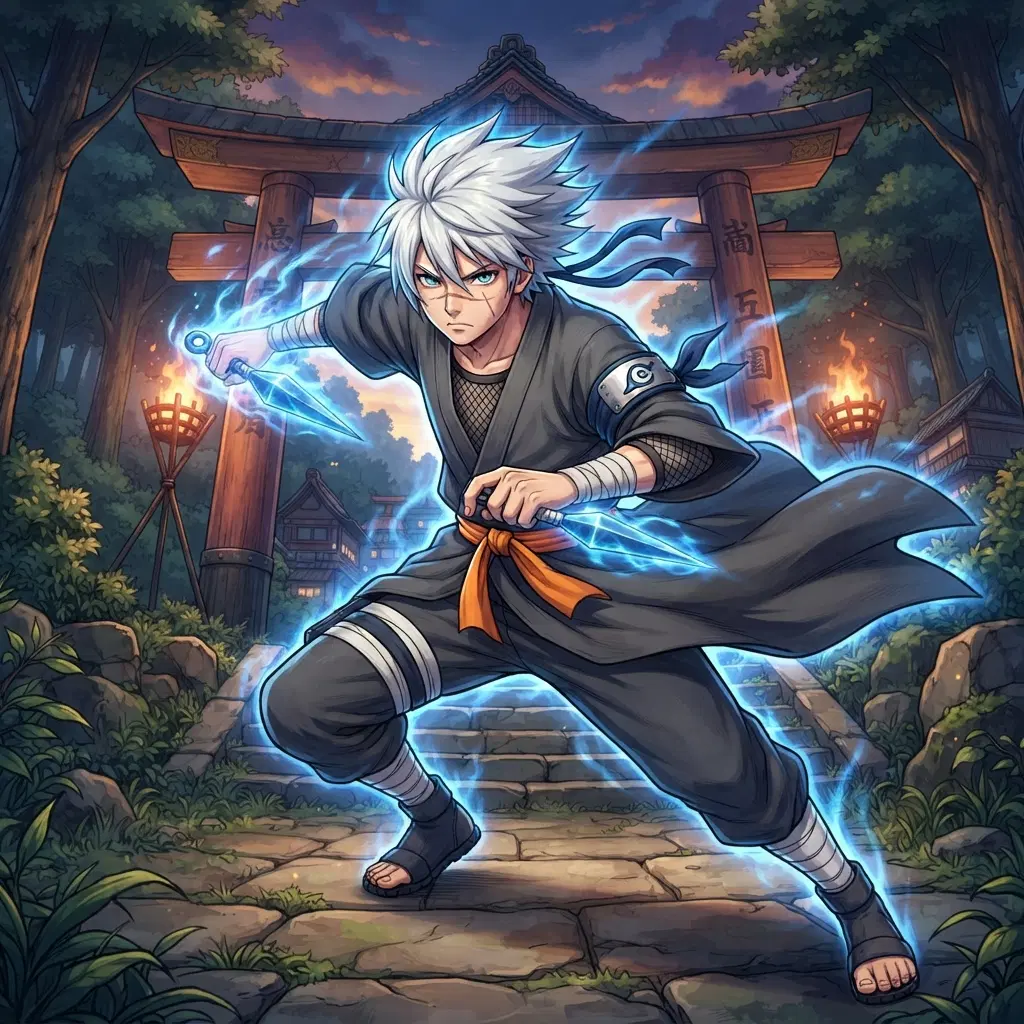
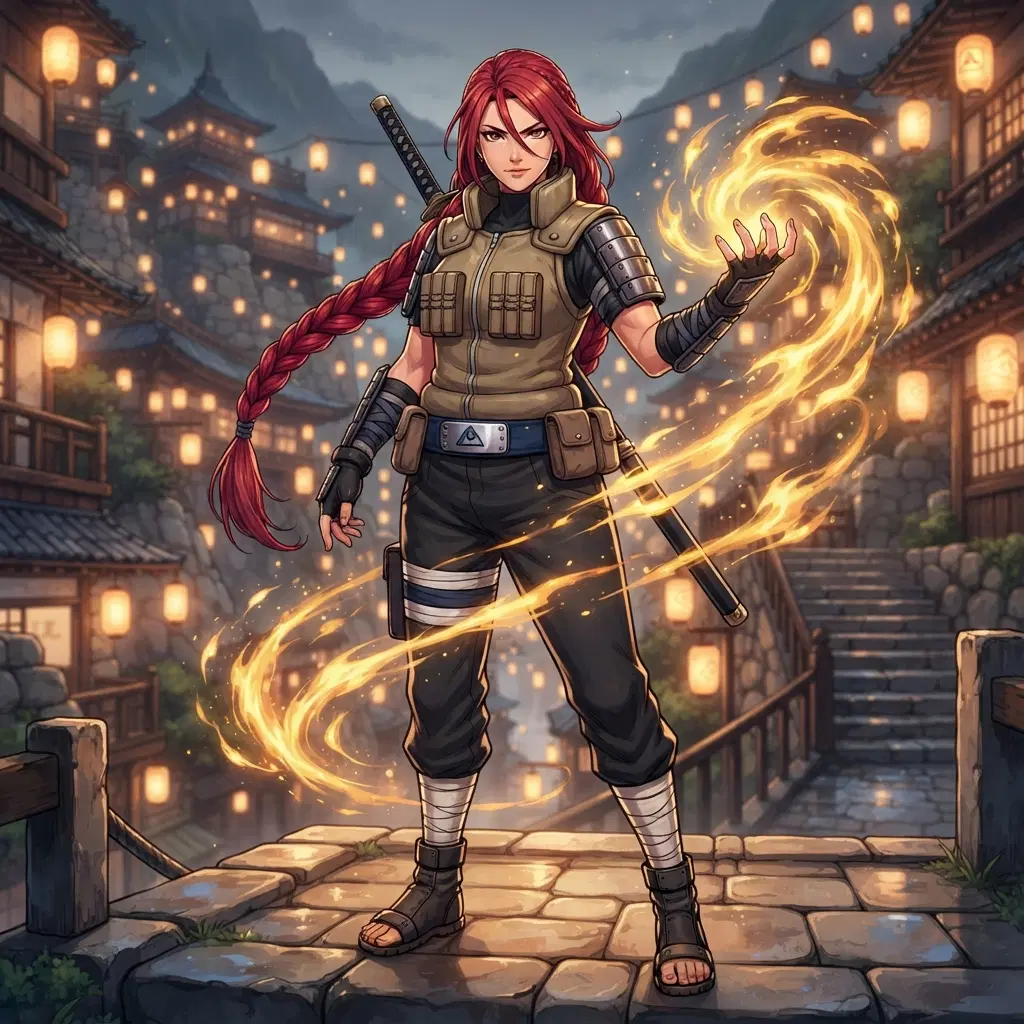
A Naruto OC maker is a tool that makes a picture of your own ninja character. OC means original character. It is not a character from the show. It is one you made up. You type what your ninja looks like, and the maker draws it in an anime style. You get a headband, a vest or robes, a chakra colour and a village behind them. It is a fast way to see your idea.
Four easy steps. One, pick a village and a headband symbol you made up. Two, choose the outfit. A flak vest, a mesh shirt, or loose robes with a sash. Three, pick a chakra colour and a power, like blue water or gold fire. Four, type it all in one line and press make. You get a picture in seconds. Change a word and try again until it feels right.
The small things. A metal headband with a symbol. Bandaged legs and arms. A vest with lots of pockets. Sandals. A glow around the hands for chakra. Behind them, a village with wooden roofs or a forest with tall gates. Say two or three of these in your prompt and the picture will feel like a ninja world. Skip the rest. Too many words can muddle the look.
Yes. Make up a symbol for the headband, like a wave, a star, or a mountain. Give the village a setting. Cliffs, snow, sand, or a forest. Add a clan trait like red hair or a special eye. Put all of that in your prompt. Each picture will use it. That way your OC has a home and a story, not just a look.
Yes, it is free to try. Make a ninja, then change one thing and make it again. That is a remix. Swap the vest for robes, change the chakra colour, or move them to a new village. You can also take any picture in the gallery and make your own take on it. Save the ones you like. Sign in if you want to keep them in one place.
Want any character, any world? Open the AI character generator — the same OC maker behind every page here.
This Naruto OC maker turns a few words into a ninja of your own. Type the look you want. Say the hair colour, the headband symbol, and the outfit. Pick a green flak vest, a mesh shirt, or loose robes with a sash. Add a chakra colour like blue, violet or gold and say what it does. Then hit make. The picture comes back in seconds in an anime style, with a hidden village behind your ninja. Think wooden rooftops, stone cliffs, big gates and paper lanterns. You can make a kid at the training posts or a tall jonin on a cliff. If you do not like it, change one word and make it again. Try a different village symbol, a scar, a ninja pet, or a new pose. Save the ones you like and share them with friends. It is free to try.